



I am happy with my purchase.
"I am happy with my purchase."

ADMPF310F
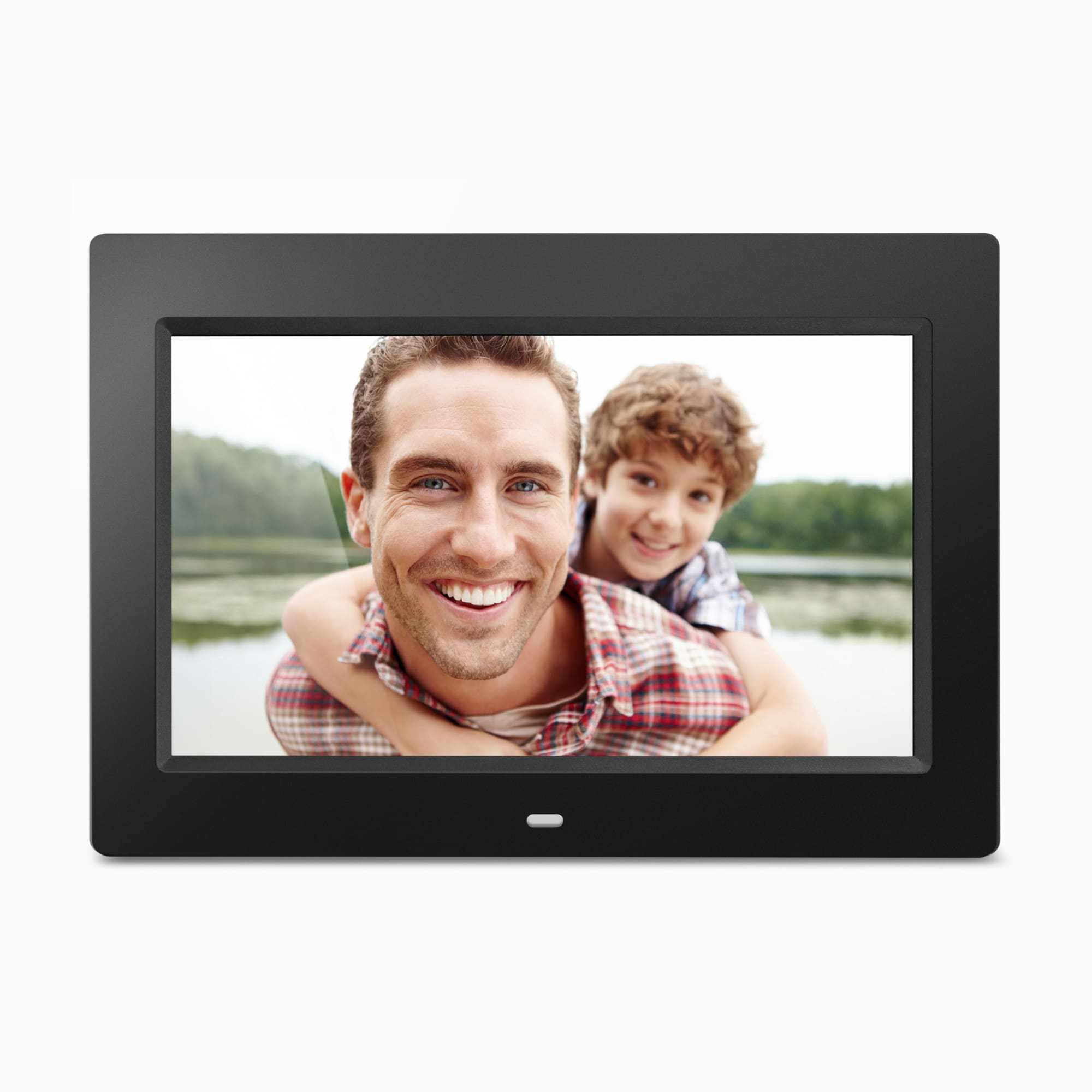
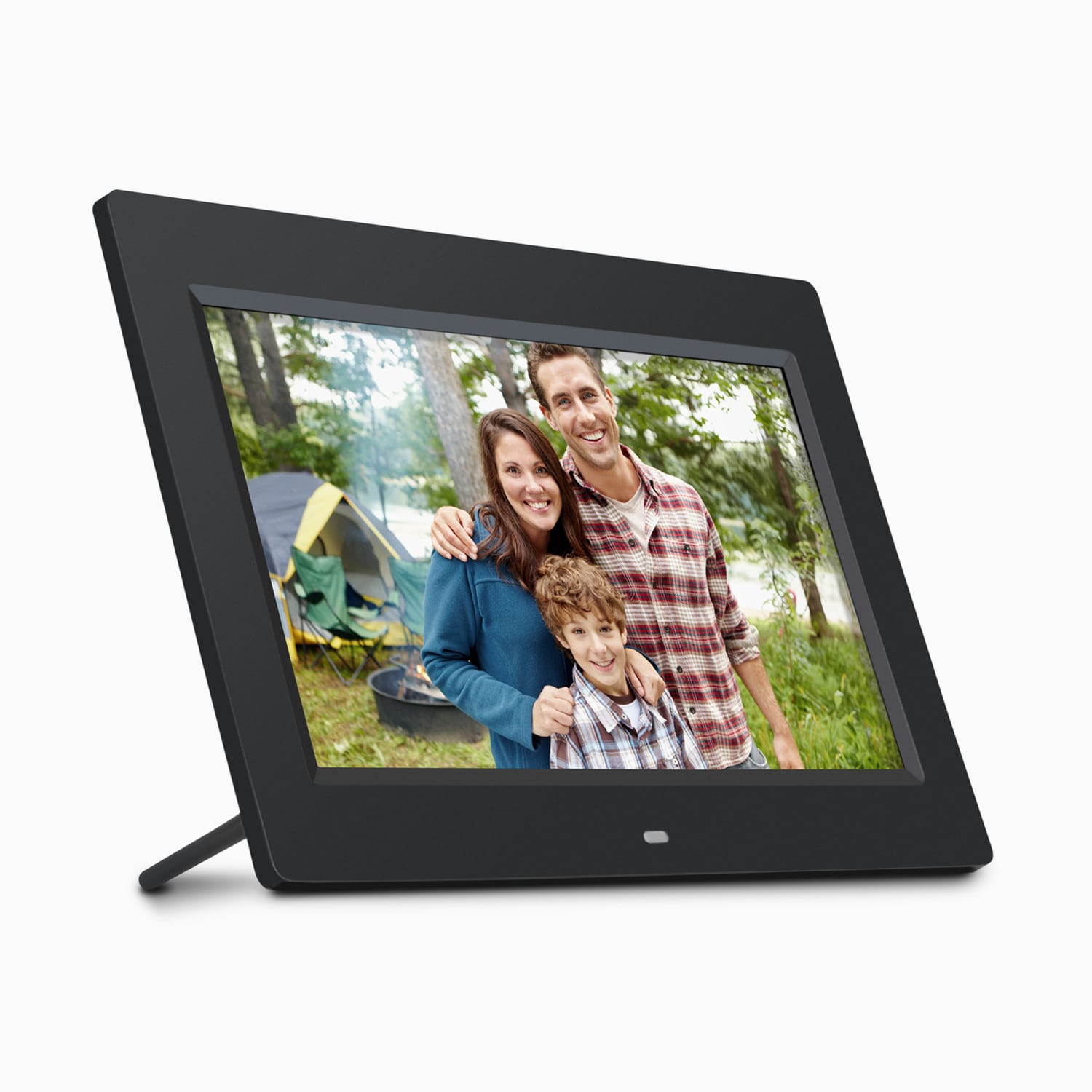
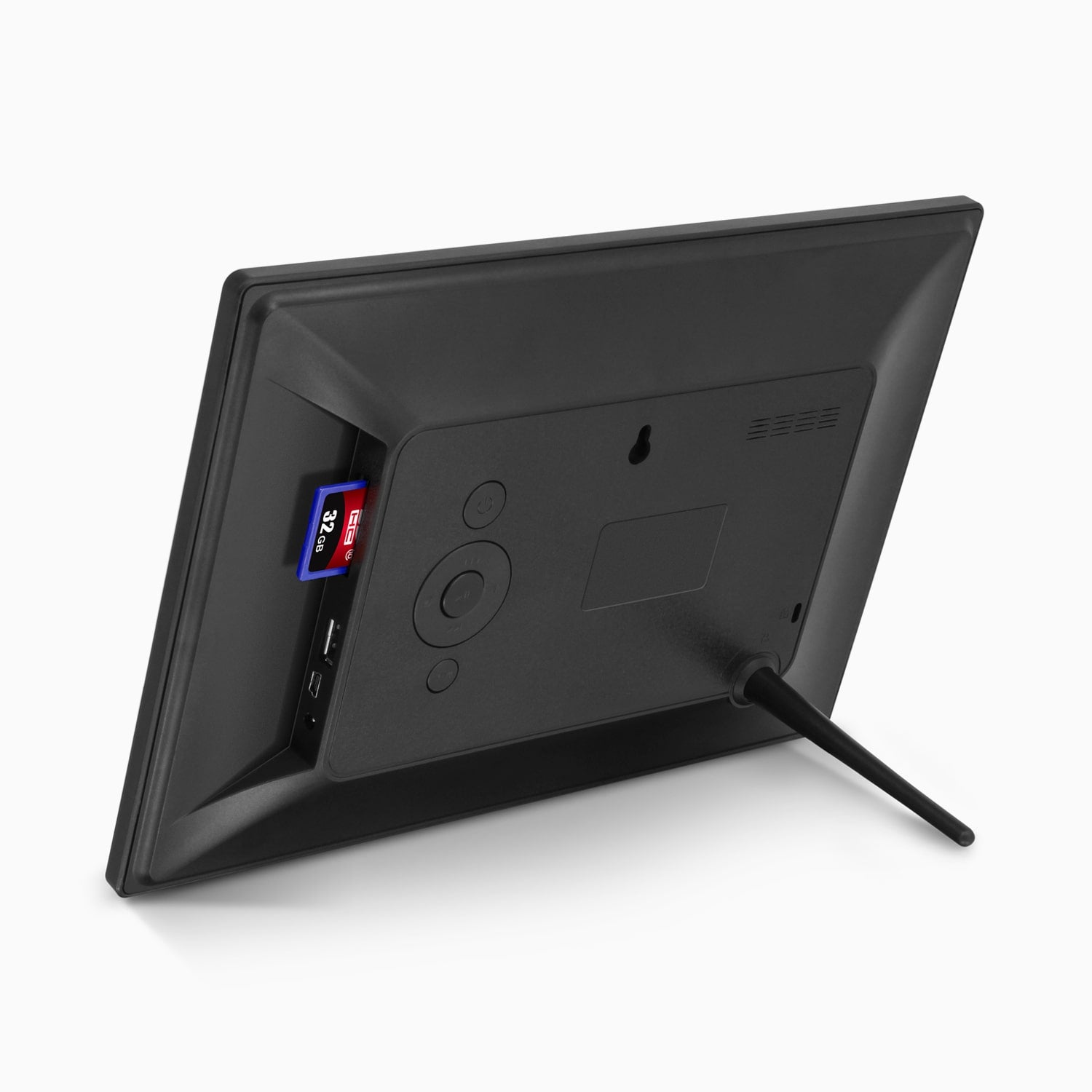
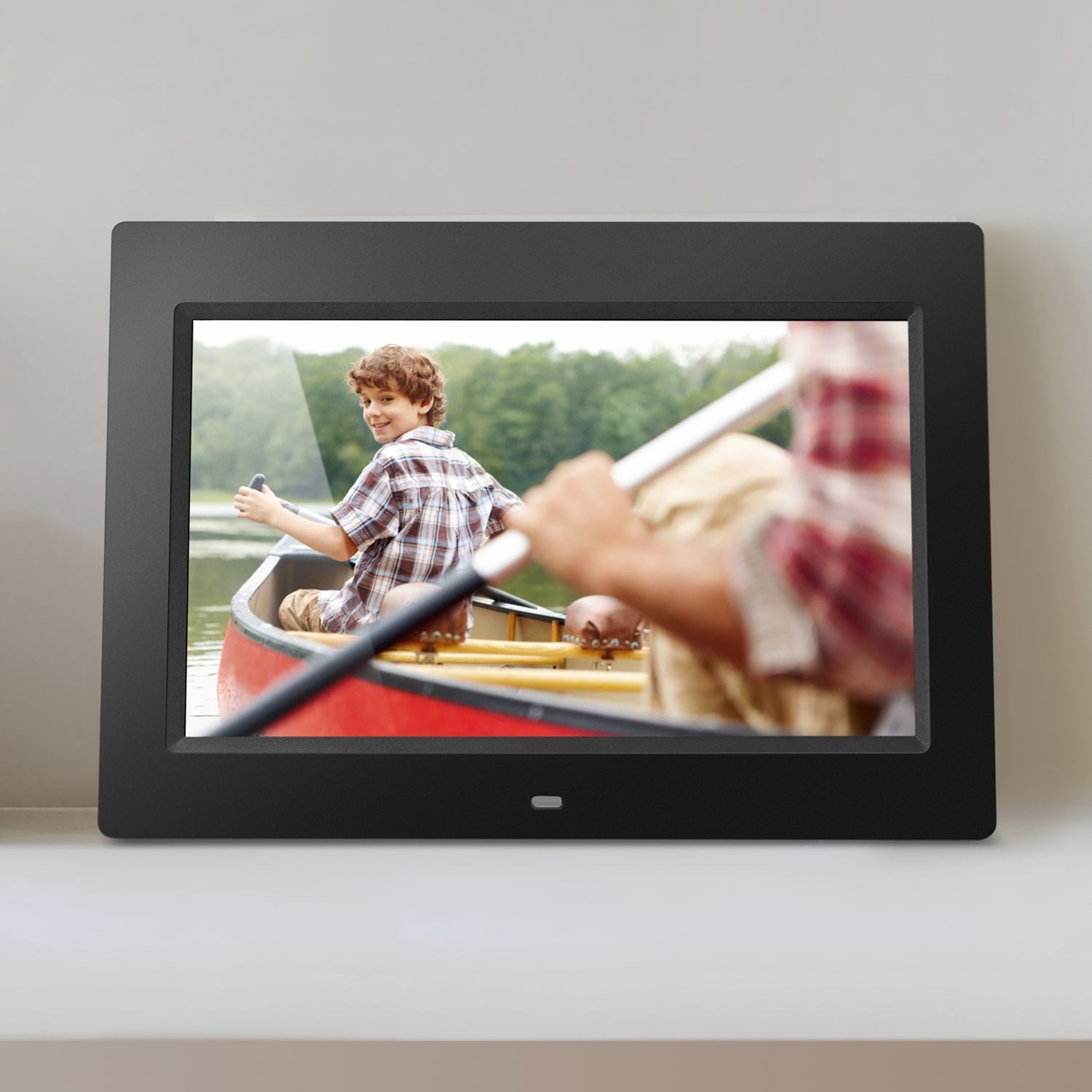
This stylish 4 GB digital photo frame fits perfectly in any room of your home. Sharing photos with family and friends has never been easier. View photos and videos easily from an SD card, USB flash drive, or transfer your files directly to the frame's built-in memory.
Pairs well with
Need help with a product? Call us at 1-866-580-1978 Monday - Friday, 8AM - 5PM PST, or email: support@aluratek.com
Receive free shipping on all orders $50 or more within the U.S. only. Ground shipping may take between 3-5 days depending on shipping address.
All Aluratek products are covered under a One Year warranty within the U.S. and Canada. Warranty covers purchases made through aluratek.com, authorized resellers and retailers only.
Have a product question, sales question or a company inquiry? We would love to hear from you.

10" Display

Multimedia Support

SD Card / USB Support

Digital Signage Solution

Easy to Use
Included in the Box

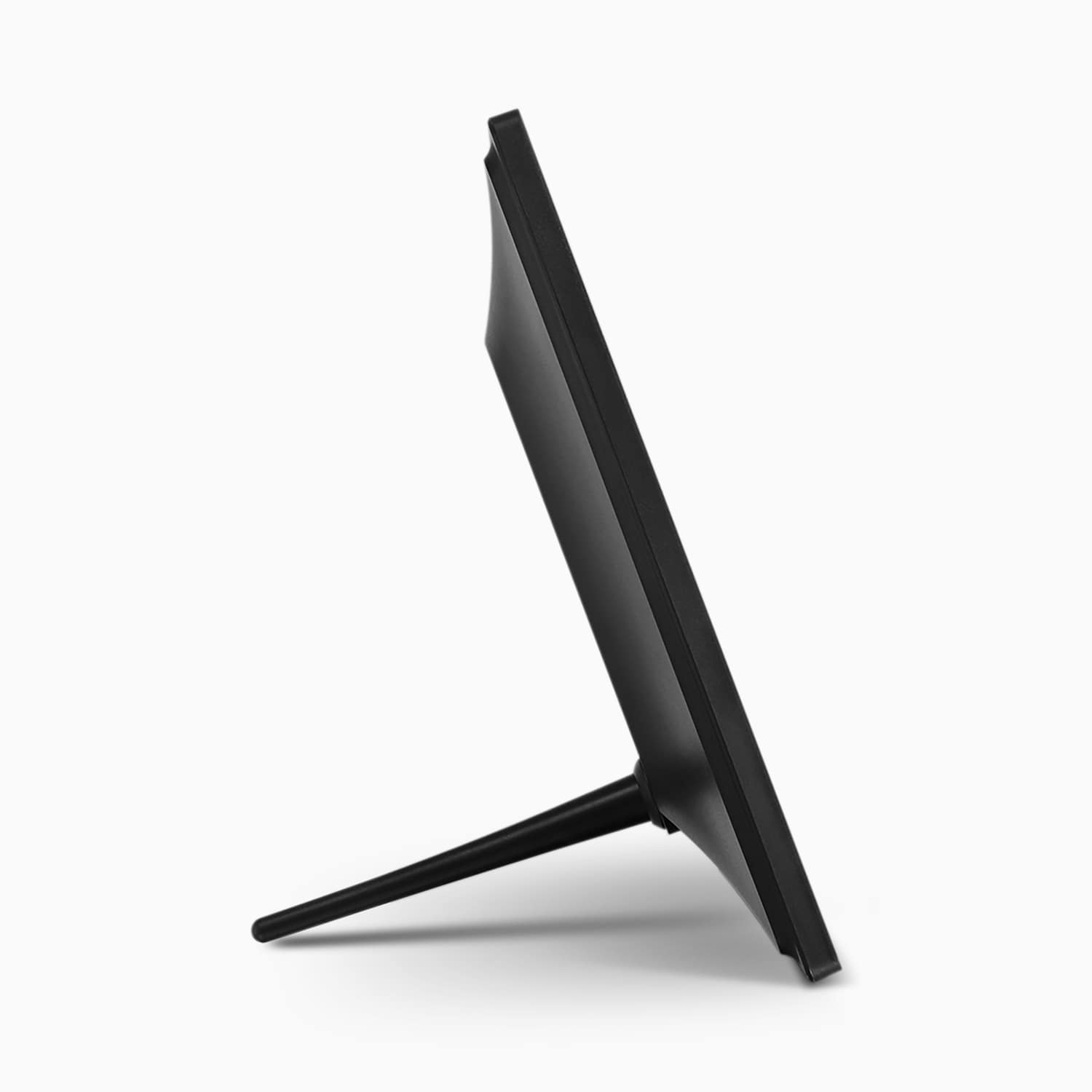
Frame Stand

USB 2.0 Cable

Power Adapter

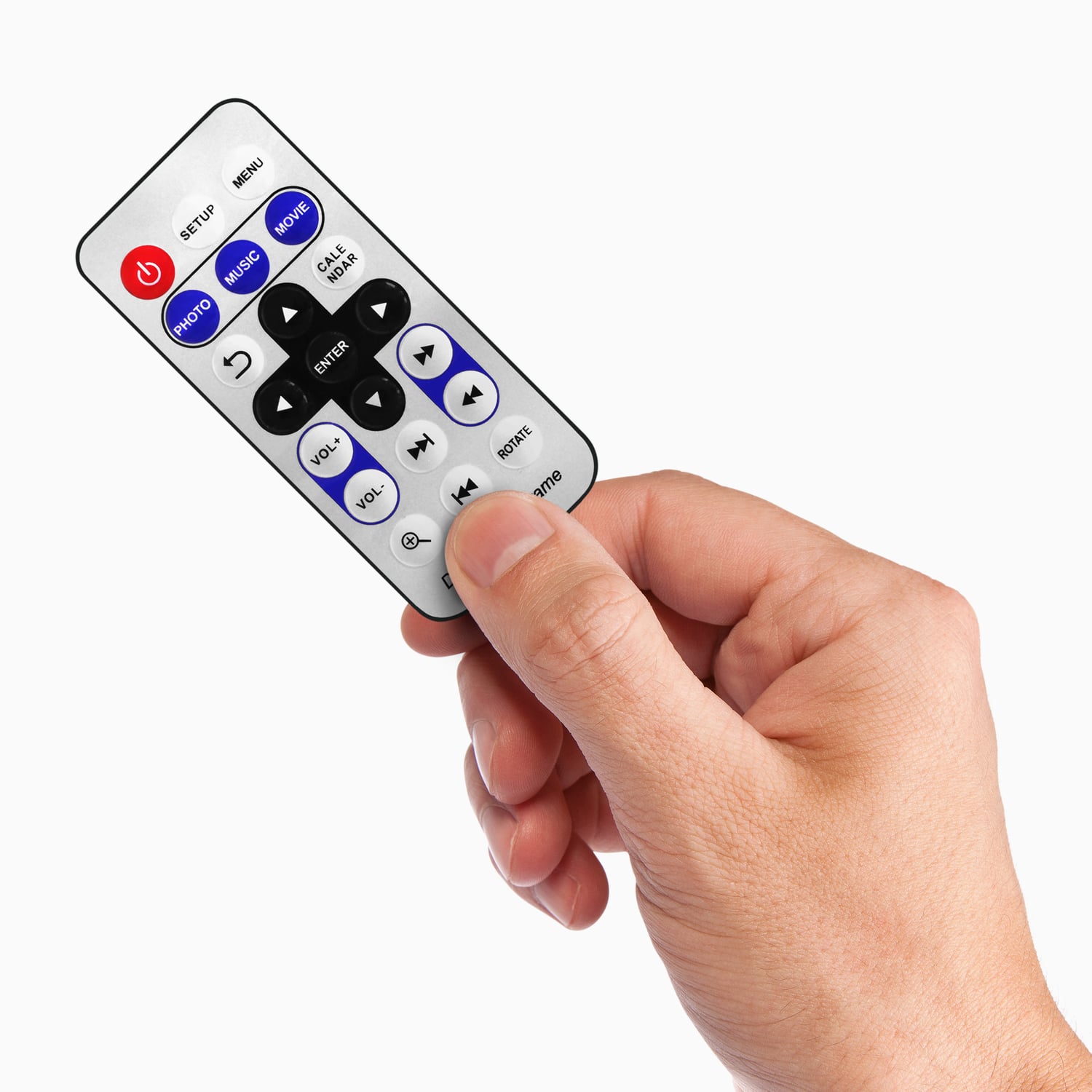
Remote Control

Instructional Manual
Overall rating: 4.806452 / 5 from 31 reviews.
Review topics: [].
"I am happy with my purchase."
"Perfect for displaying all your perfect moments. Display and share."
"We bought this as a gift for my Mother's birthday. She loves it! It is a perfect size. It is not too big, so we can put it on a small table in the living room and not too small, so it is clearly visible to all. The shipping was free and fast! It came not even 2 days later. I would say though I wish the cord was a bit longer. It is kind of short considering but it is okay because we keep close to the wall. Additionally, once in a while a picture will come up with lines and it is not clear but then the next picture is fine. It doesn't happen too often and that is why I left the 5 stars because the frame is really mostly clear. I am just mentioning it so others are aware. Overall, we are thrilled!"
"Purchased it as a gift for mom and she couldn't be happier. The pictures are crisp even from across the room and the clock with on-off function is a great feature."
"Great value for good quality photo frame! Setting up the unit was really simple. Setting up the unit was really simple."
"I put off setting it up, thinking that it wasn't compatible with my newer system. I was wrong!! USB2 is compatible with USB3, just not the reverse. I love it. Internal memory hold tons of pictures!!! I almost gave it away. . ."
"I now have 8 of these to use at a commercial exhibit booth. I bought them primarily to use with video. They do a credible job with video, but the instructions don't tell you that in order to get the video to work it has to be in a specific AVI format. Just any old AVI format will not work. I had to contact tech support for help. They were very helpful and filled me in on the requirements. They suggested the free Freemake Video Converter program to convert my videos. Worked great. The key for me was to convert to the XVID codec which can be done with the free converter. The resulting video is not really High Def, but is very credible for the price."
"Got a super great deal on the refurbished! It was 1/2 the price, looks brand new, and works great!"
"Perfect for displaying all your perfect moments. Display and share."
"Needed this for work and it looks great! Easy to operate!"
Please read our FAQs page to find out more.