









Load video: aluratek  AEINK13F Product Video clean no intro

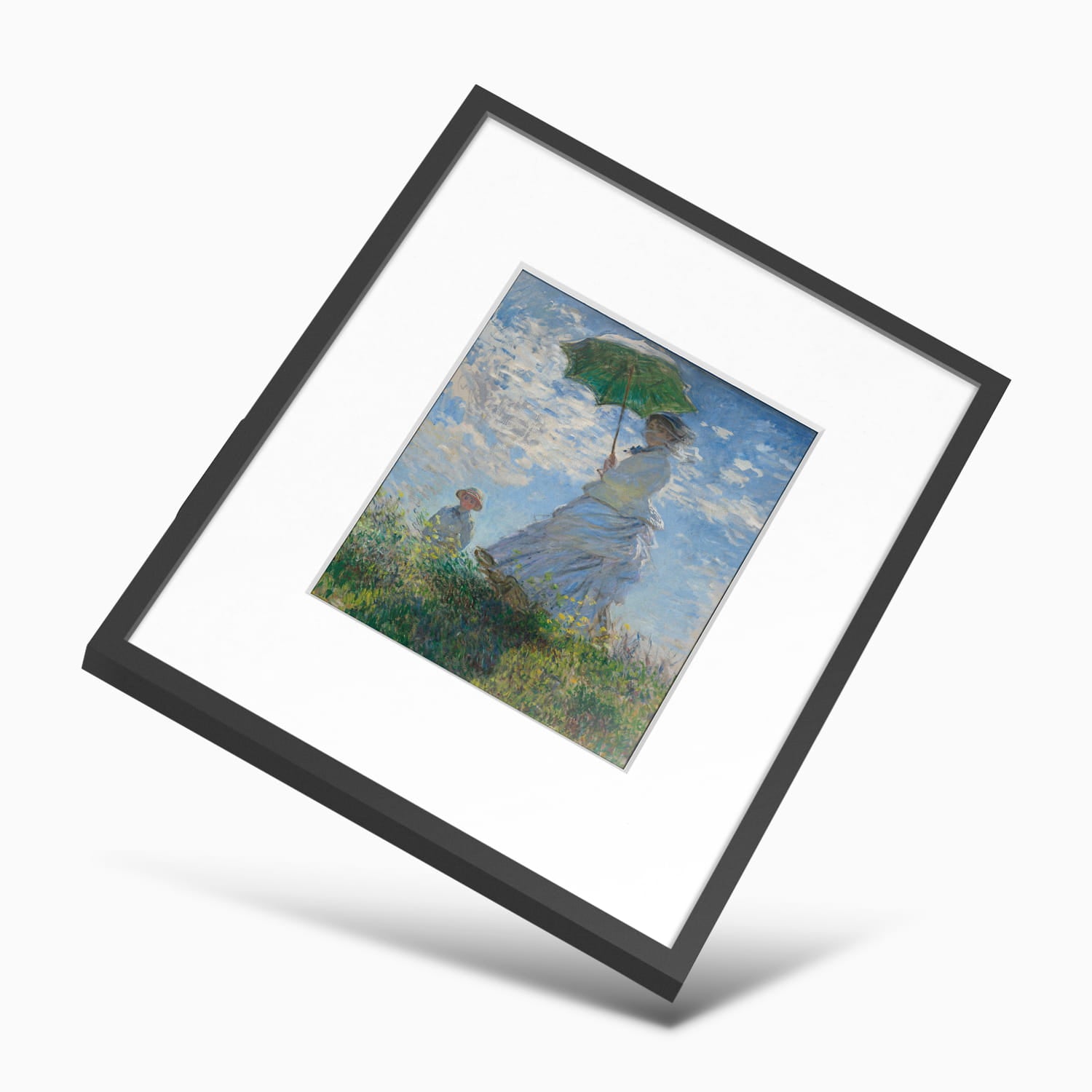
Frame Your Favorite Masterpieces!

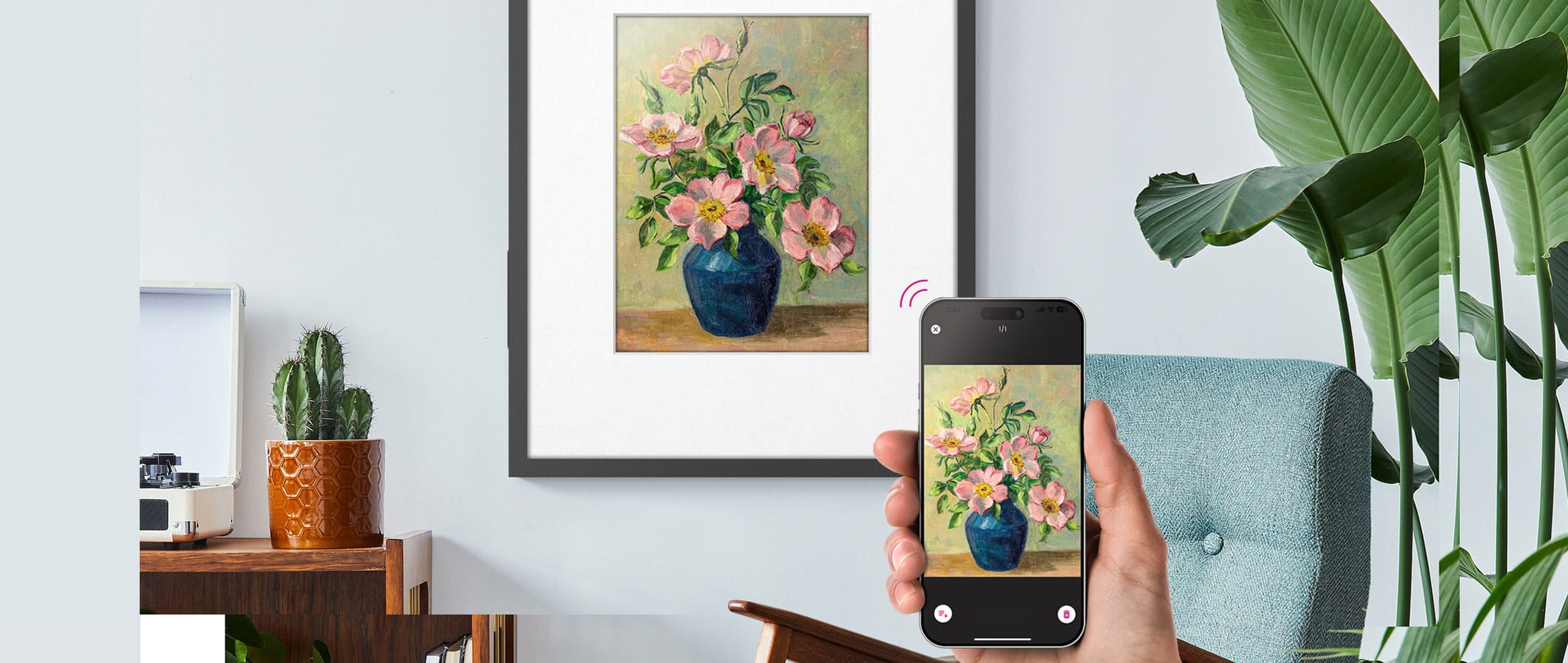
Imagine framing your favorite work of art with the touch of a button from your smartphone. The image can be displayed indefinitely without needing to charge the frame. The frame is designed to hang on the wall just like a traditional picture frame - with no ugly power cables.

Color ePaper Display

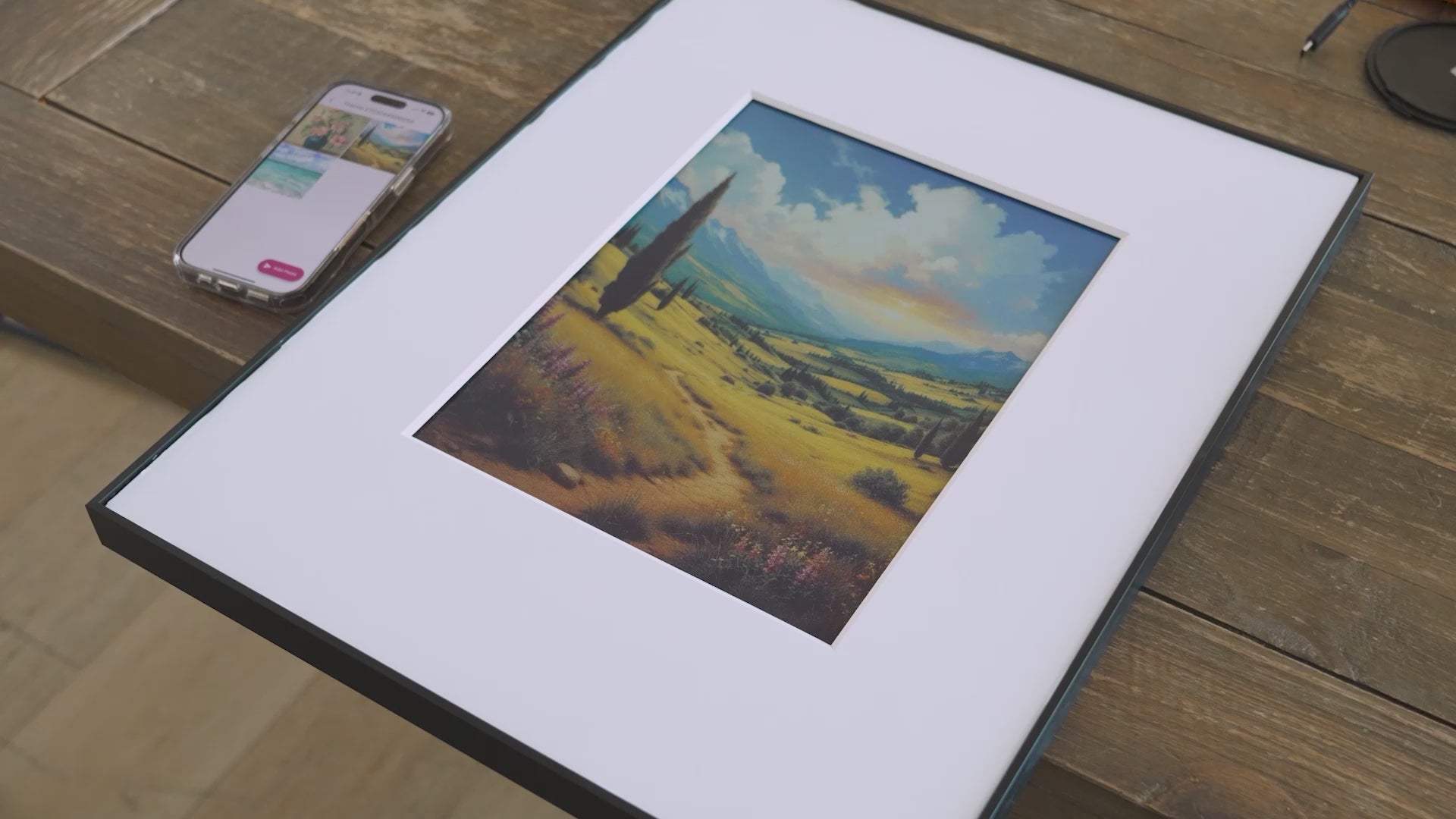
Unlike traditional digital displays, the ePaper frame emits no backlighting of the image. The image will appear just like it was printed on real paper giving it a traditional look and feel. Display paintings, illustrations, graphic art, photos and digital signage.

No AC Power Needed

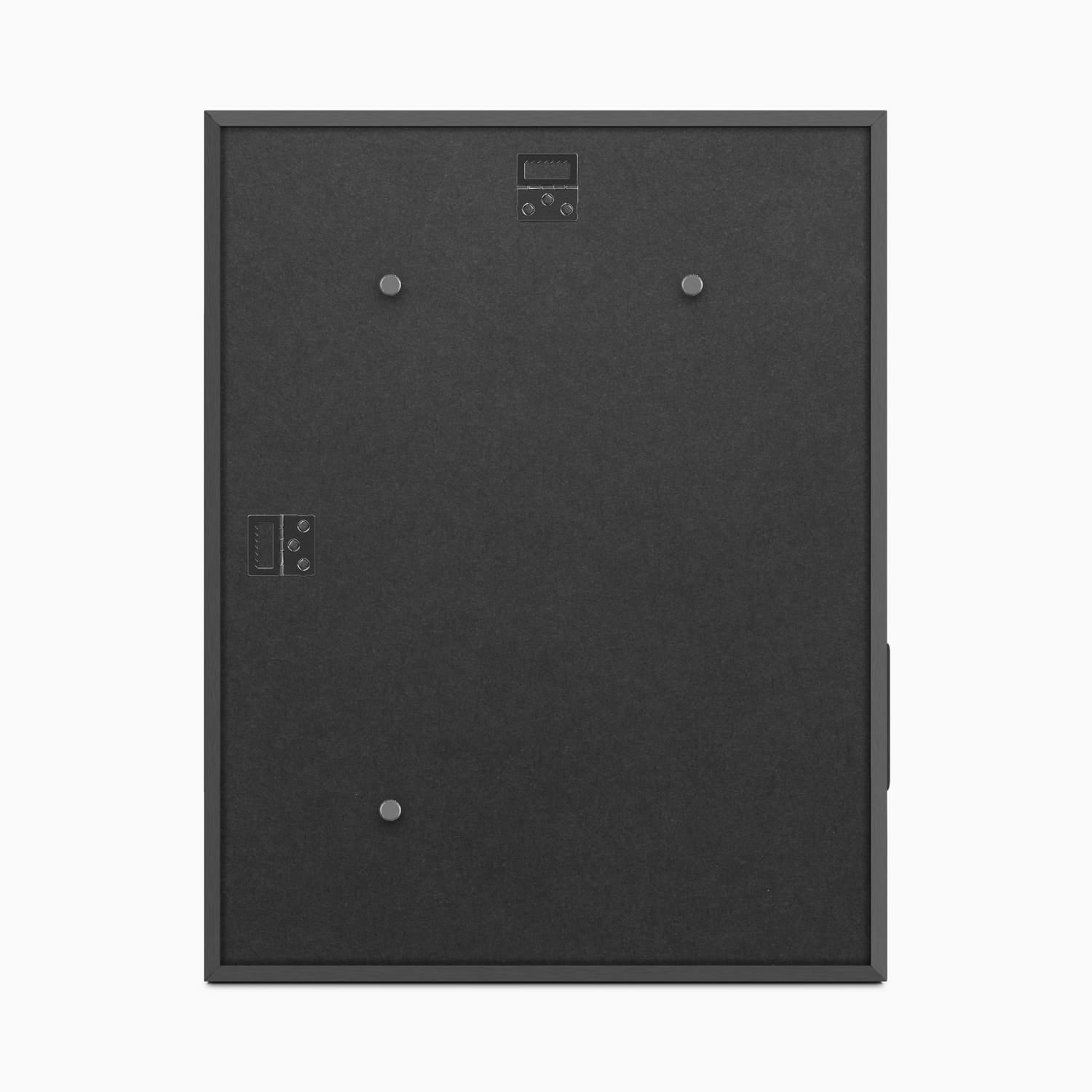
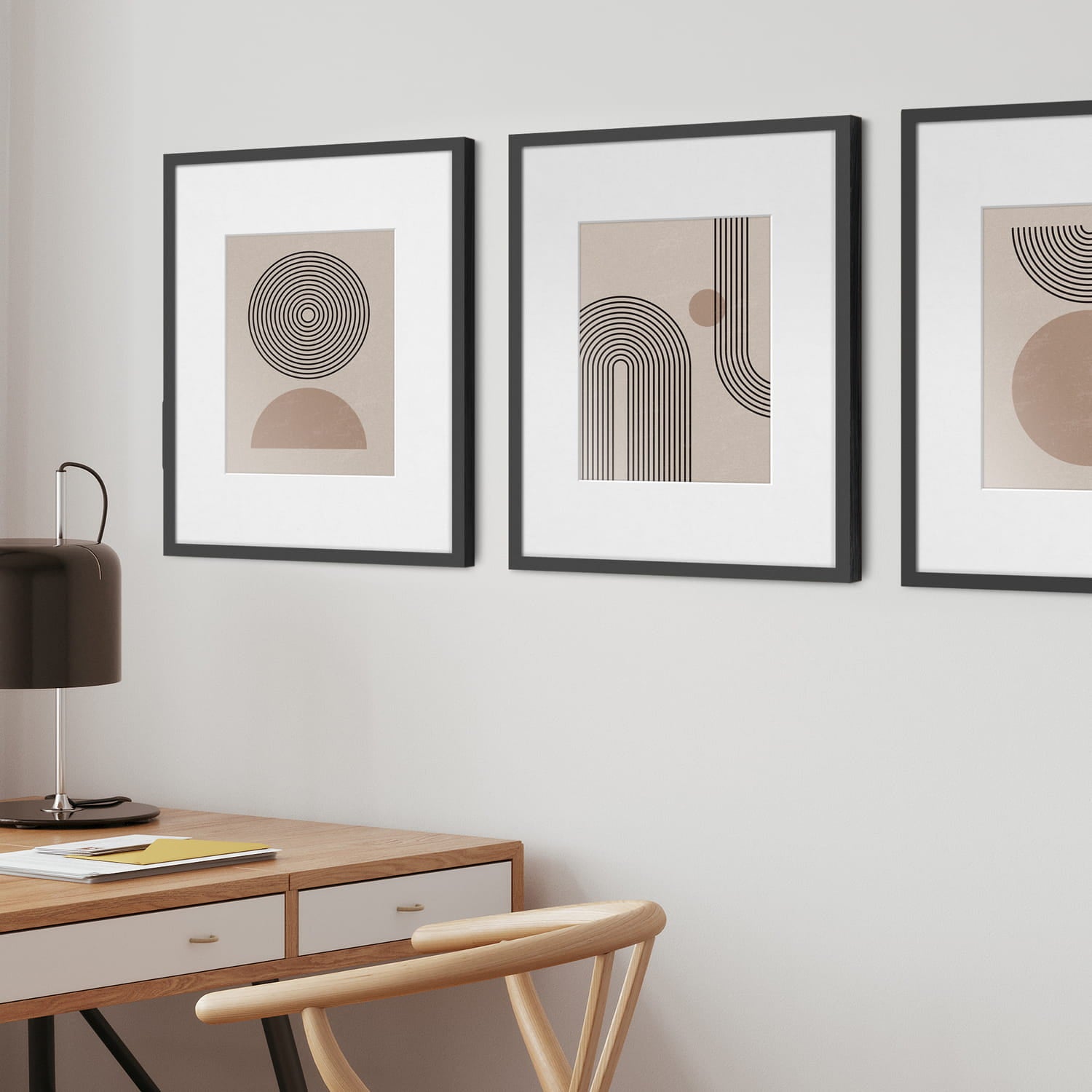
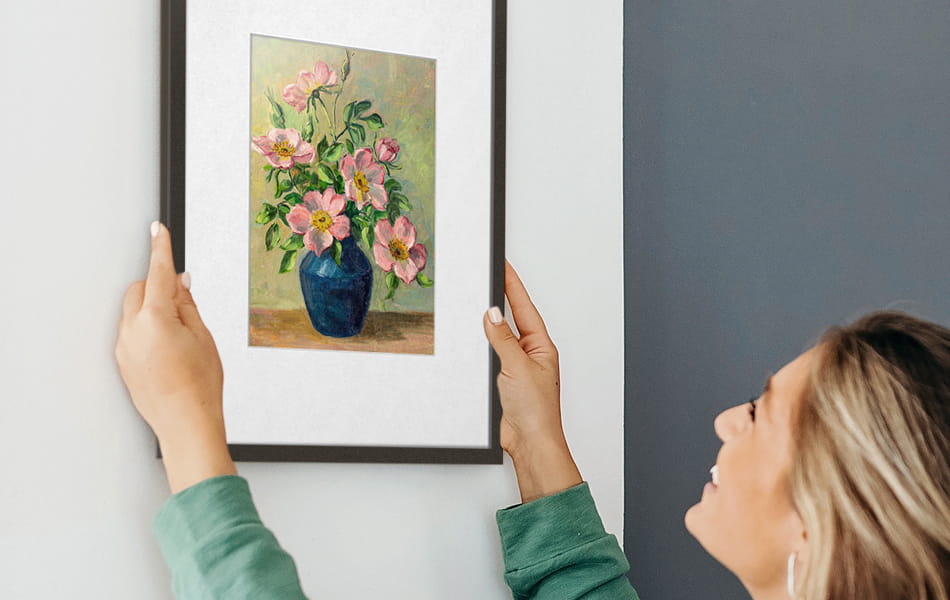
The ePaper frame is designed to hang on your wall horizontally or vertically like a traditional photo frame. The frame requires low energy consumption to operate* which means no ugly power cords dangling down the wall. Mounting kits are included. * Works up to 2 years between charges when the frame is active once a week.

Free App Access to Digital Art

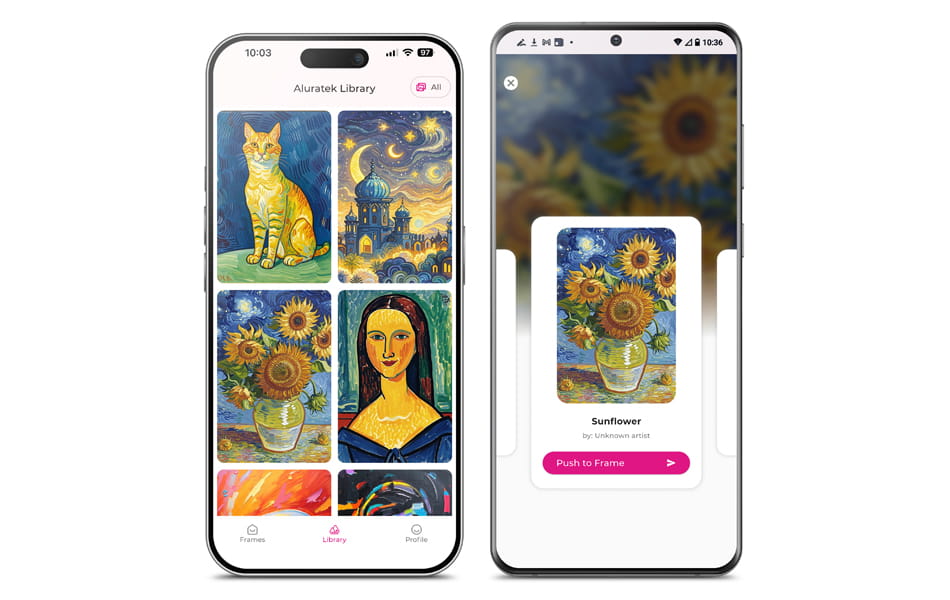
Using our proprietary eFrame app for iOS and Android, simply select a photo from your smartphone’s photo gallery, or access a library of hundreds of free digital art directly from the app. Transfer an image to the frame in just seconds.

Elevate Your Space

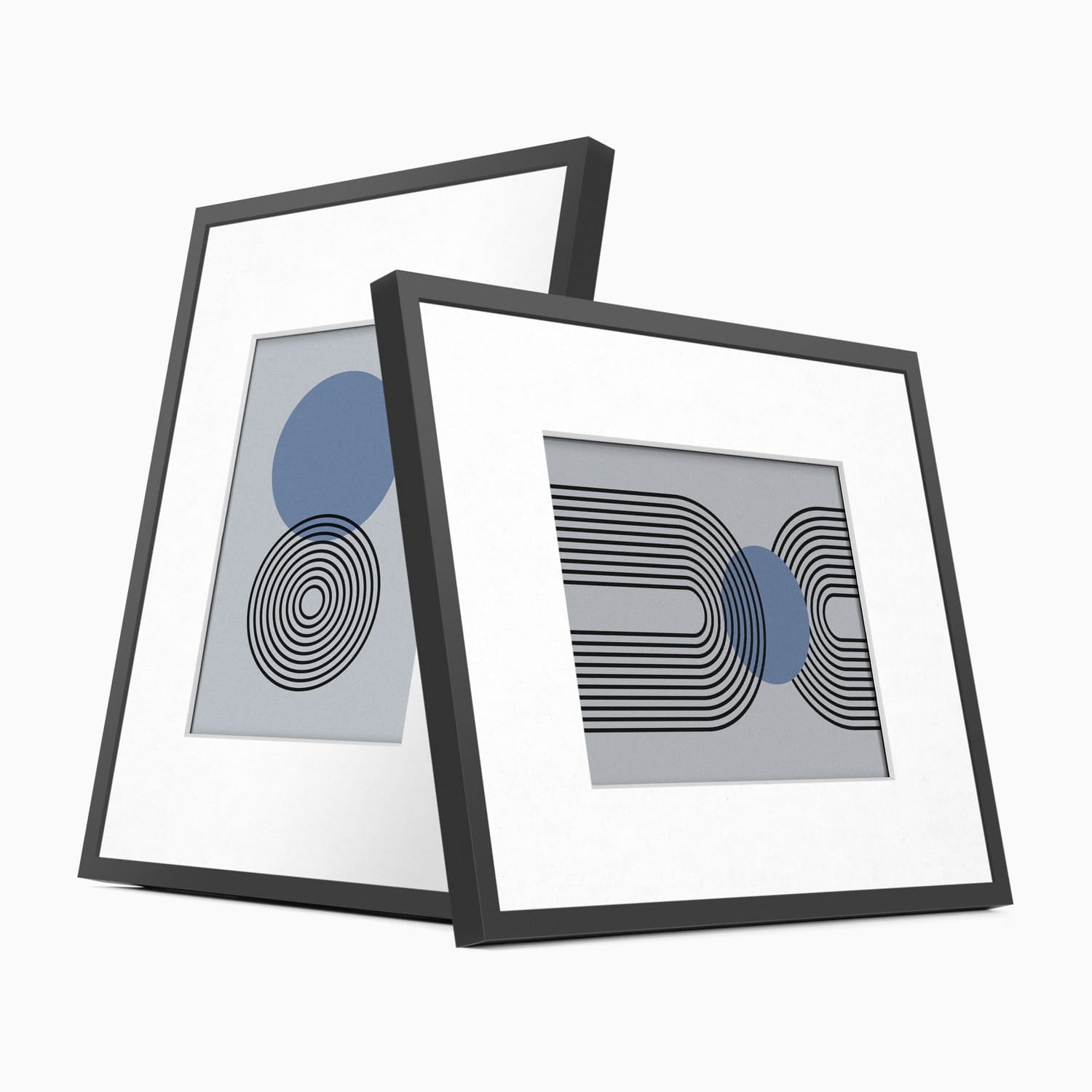
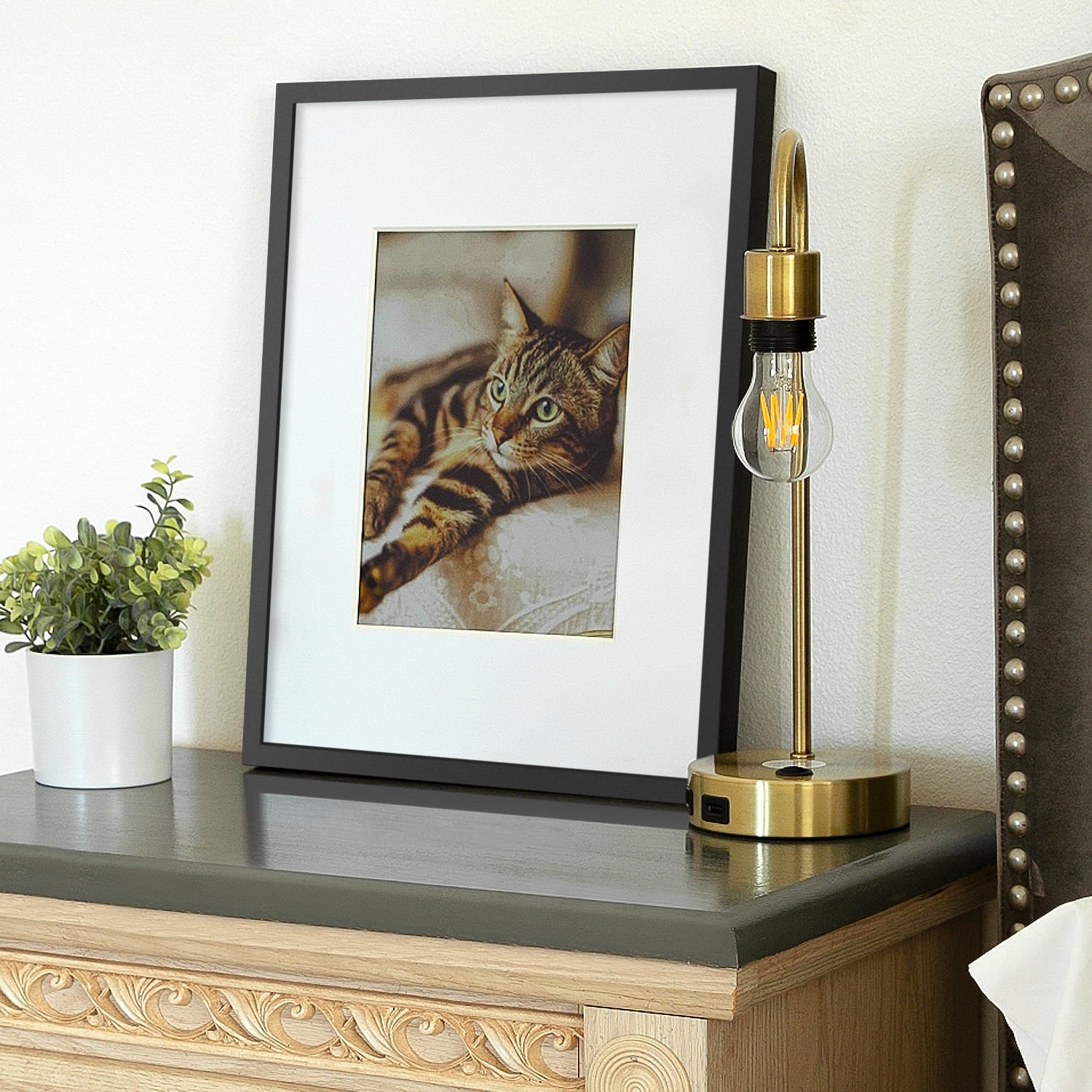
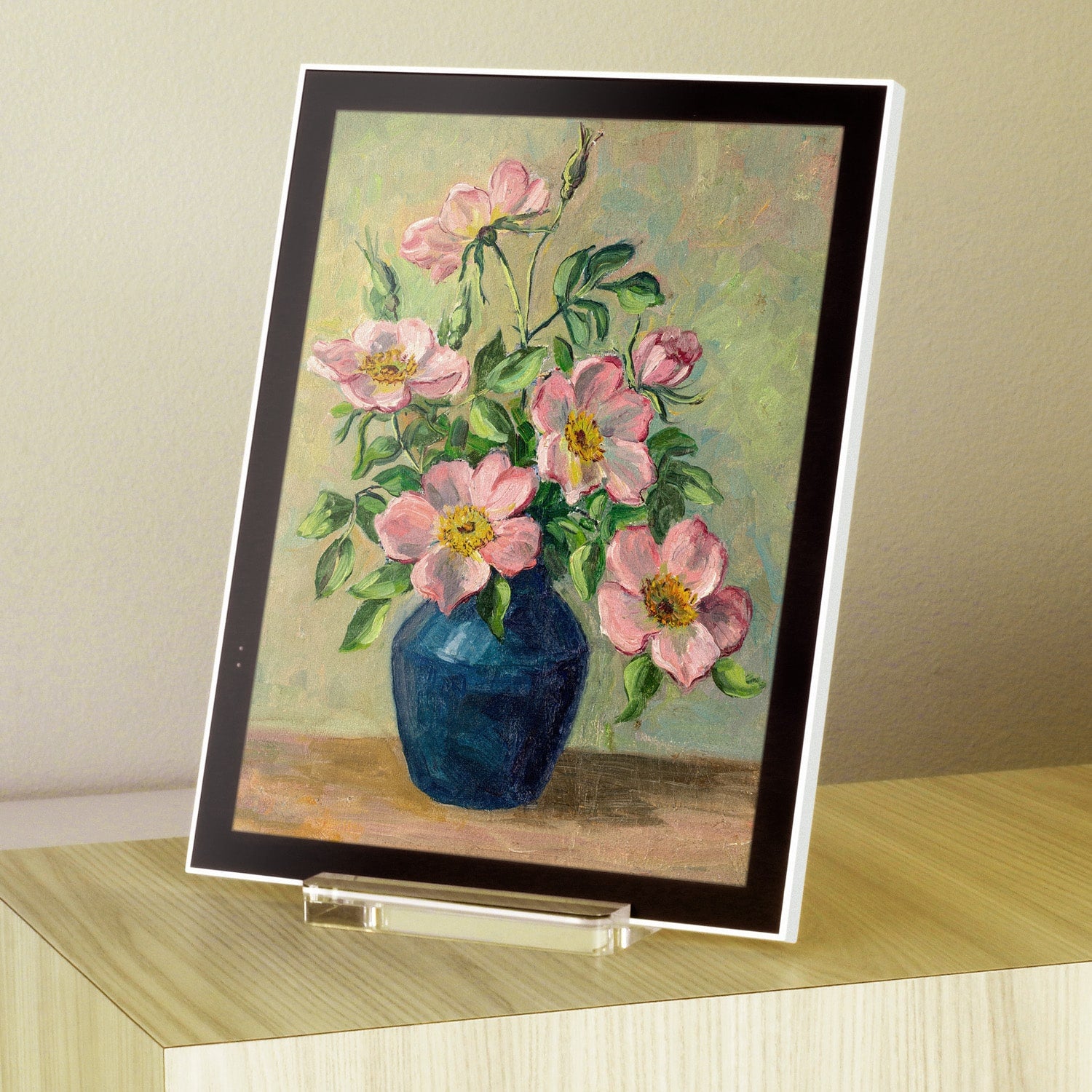
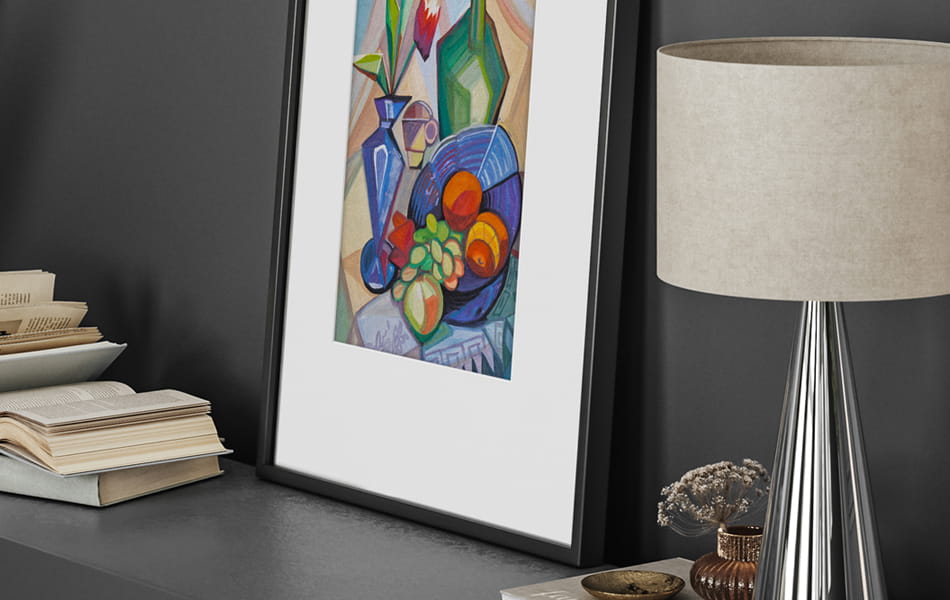
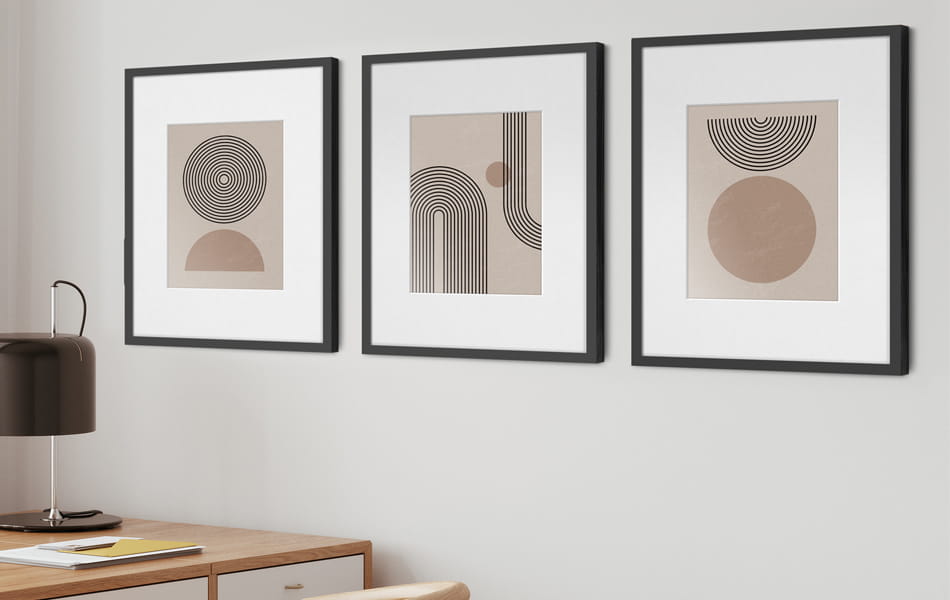
The WiFi ePaper Digital Art Frame features a classy black wooden frame with a museum-quality white matte to match any home decor. You can even remove the digital panel from the frame and display it with the included acrylic stand.

Easy Image Transition

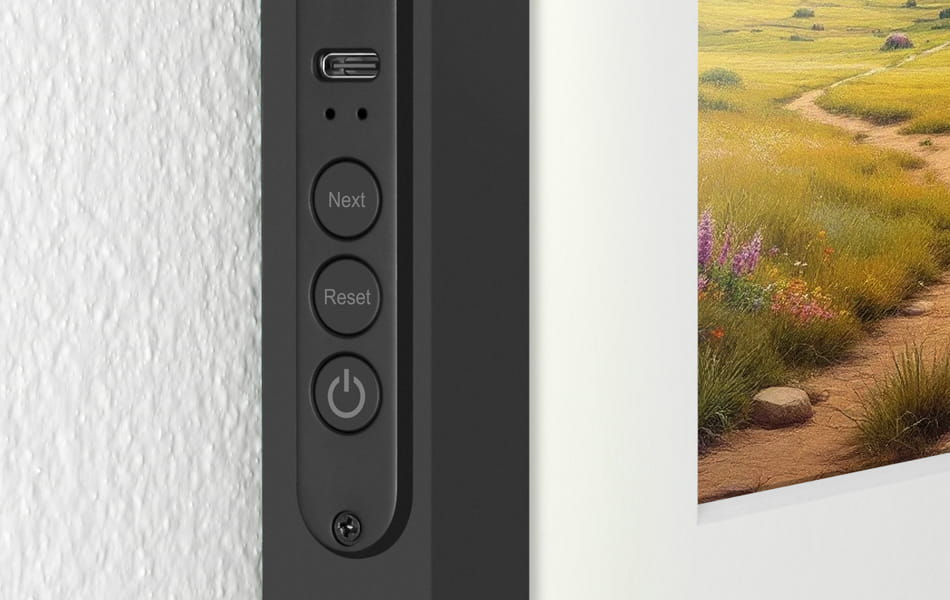
The frame can hold up to 10 photos while displaying only one at a time. Low profile push button controls on the side of the frame allow you to transition to the next image, or schedule a specific time or interval in the app to change the image.

Product Details

Features

• The next generation digital art frame that utilizes Spectra-6 ePaper technology
• Wooden black frame with museum-quality white matte
• Low profile push button controls on the side of the frame allow you to transition to the next photo
• Display paintings, illustrations, graphic art, photos and digital signage
• For use with the eFrame smartphone app for iOS / Android devices
• Access a library of free digital art directly from the smartphone app
• Schedule images to appear at a specific time or in intervals through the app
• No AC power required - frame requires low energy consumption to operate making it both environmentally friendly and cost-effective
• The frame is designed to hang on the wall just like a traditional picture frame - no ugly power cables
• Includes a USB-C charging cable - works up to 2 years between charges when the frame is active once a week.
• Mounting kits included for vertical or horizontal display
• Digital panel can be removed from the frame and displayed on a table surface with the included acrylic stand
• Limited 1 Year Warranty

Requirements

• eFrame smartphone app
• WiFi connection

Tech Specs

• Connectivity: 2.4ghz WiFi / USB-C
• Resolution ­- 1200 x 1600 (4:3 aspect ratio)
• 14.625 x 1 x 18.5 in. (37 x 2.54 x 47 cm) / 4.85 lb. (6.7 kg)
• Bluetooth enabled

Included in the Box

  • aluratek usbc cable icon

    USB-C Charging Cable

  • aluratek mounting wire icon

    Mounting Kits (2x)

  • aluratek acrylic stand icon

    Acrylic Stand

  • aluratek screwdriver icon

    Screwdriver

  • aluratek qsg icon

    Quick Start Guide

Customer Reviews

FAQs

Please read our FAQs page to find out more.

How do I set up the e-paper frame?

Setting it up is super easy! Just download the Aluratek eFrame app from the App Store or Google Play, follow the simple instructions to pair the frame with your Wi-Fi, and you're all set to start sending photos!

How do I upload photos to the frame?

Once your frame is connected to the app, just select the photo you want from your gallery, hit ‘Sync This Photo,’ and it’ll appear on your frame in no time!

How many photos can the frame store?

The frame can hold up to 10 photos at a time. Once you reach the limit, you’ll need to delete an old photo before uploading a new one.

How often do I need to recharge the frame?

ePaper technology allows the frame to be very energy efficient. The frame consumes minimal power when it is in sleep / standby mode. If the frame is set to refresh once a day, the battery will last about 1 year before it needs to be charged. If the frame is set to refresh once a week, the battery will last about 2 years before it needs to be charged. The image on the frame may be displayed indefinitely without needing to charge. A USB-C charging cable is included.

Can I schedule different pictures to appear?

Yes! In the app you can schedule a specific time or interval to swap out the picture on the frame.